
Click to capture
the conversation.
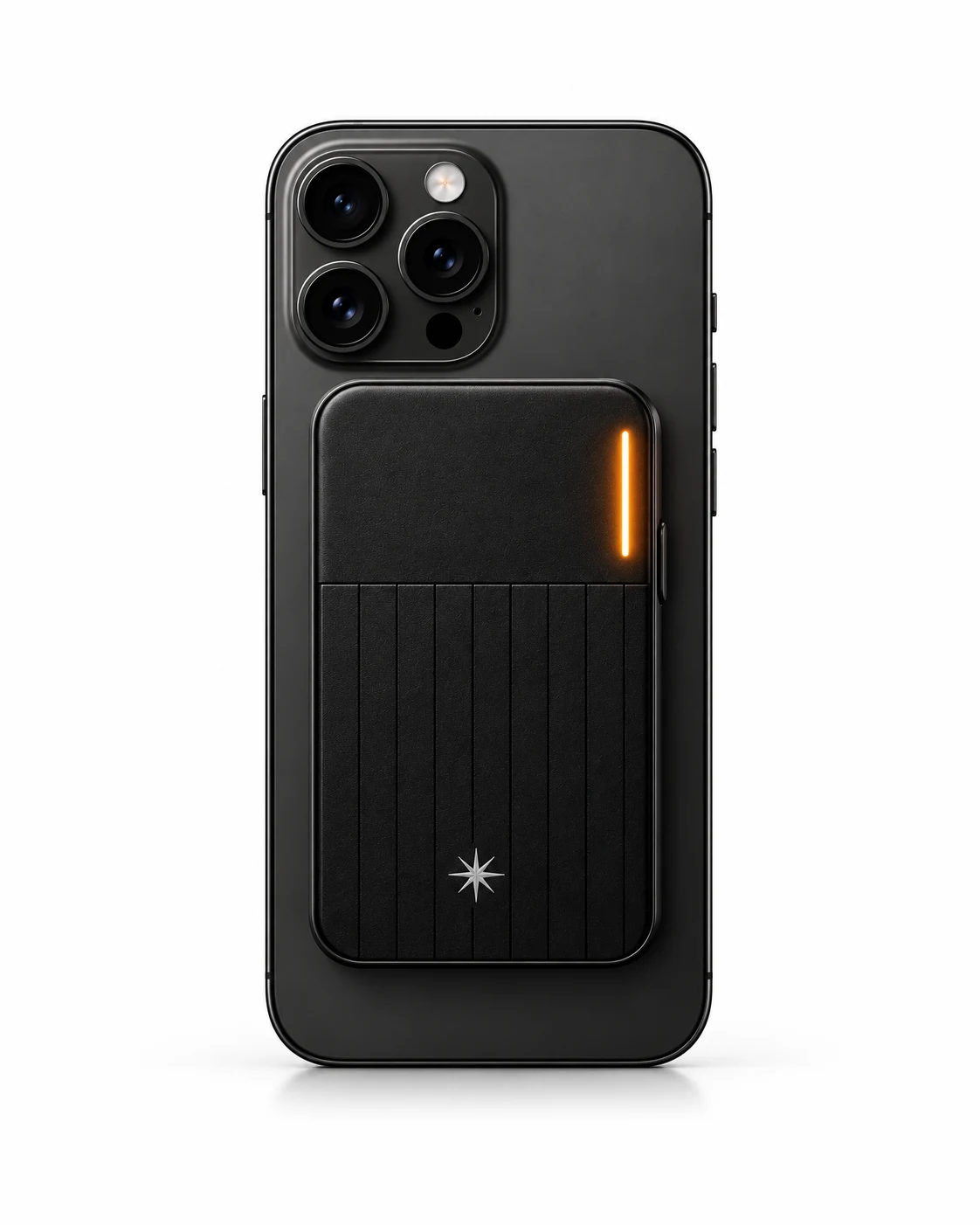
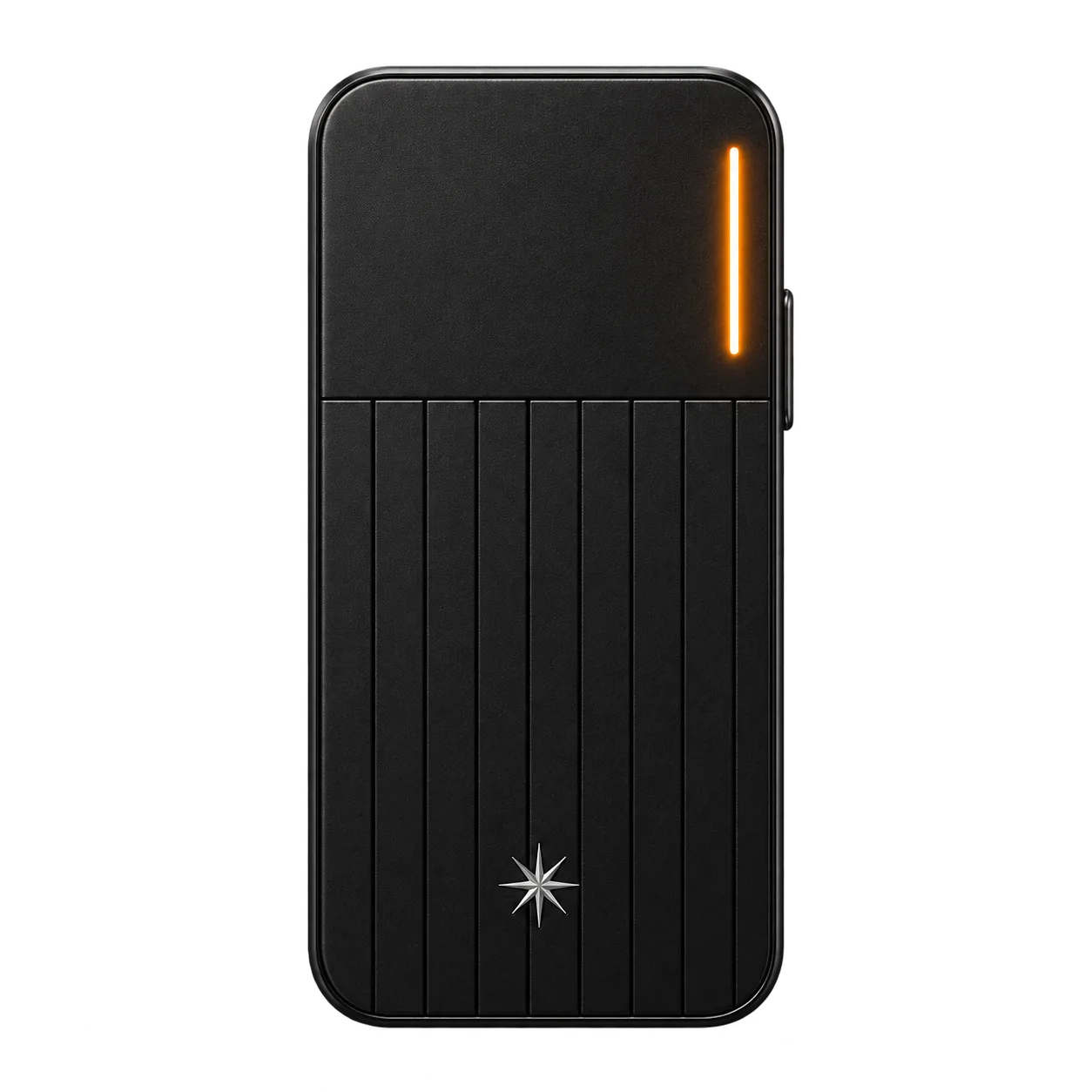
Click once to start your meeting. Click again when it ends. Pocket Agent captures the context and prepares the follow-up automatically.
Less thinking. More doing.
Pocket Agent turns real-world context into action
with a physical interface and AI agents that get
things done across your apps.
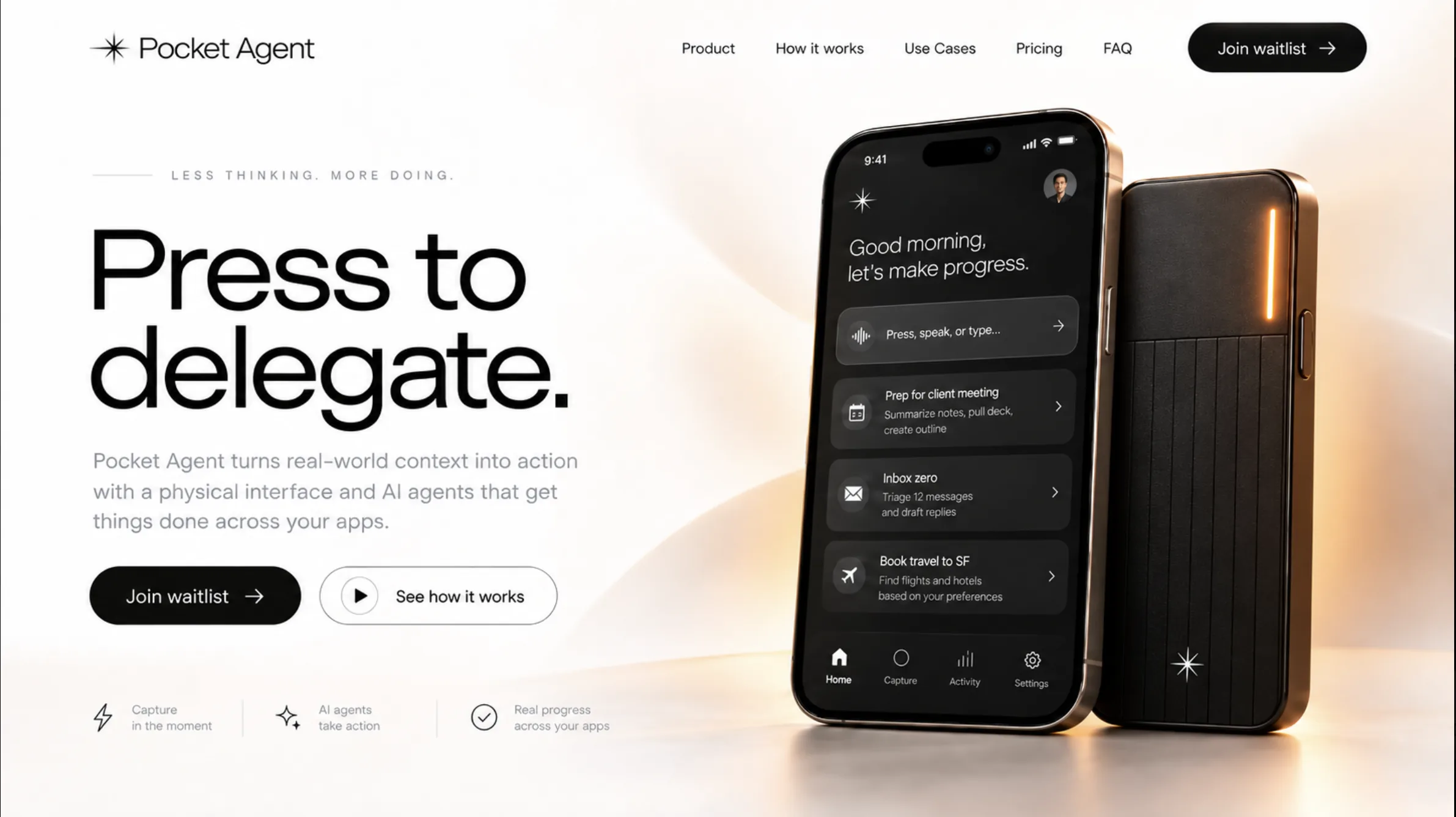
A physical AI interface for capturing live context and turning it into action.
Built for meetings, calls, and real-world conversations — not just prompts after the fact.
Capture
Capture context during meetings, calls, and live conversations without breaking the flow.
Understand
Pocket Agent identifies people, commitments, timing, and what needs to happen next.
Key context
Recap
Roadmap agreed. Send the recap and schedule a follow-up for Thursday.
Delegate
Intent becomes actions across email, calendar, CRM, tasks, and notes.


CRM

Calendar

Tasks & Notes
Execute
Agents move work forward with approvals, logic, and control built in.
Draft follow-up emailTo Sarah Kim
Completed
Schedule meetingProduct sync
Pending approval
Update CRMAdd meeting notes
Queued
Create taskShare customer list
Completed
The Pocket Agent experience
Click once to start your meeting. Click again when it ends. Pocket Agent captures the context and prepares the follow-up automatically.
Hold the button, say what you need, and release to send your command. Your agent takes it from there, under your rules.
Follow-ups, meetings, CRM updates and tasks. Review the work and approve it on your terms.

Live transcript
“Sarah wants the revised proposal by Thursday. Loop in James after legal review.”
Thursday, April 24
A little more headspace.
Client meeting · Today
4 actions prepared from your conversation.
Follow-up email
To Sarah · Proposal recapSchedule meeting
Thursday review · 2:00 PMUpdate CRM
Add proposal meeting notesCreate task
James · After legal reviewDemo only. Nothing is sent.
The hidden cost of work
The work around selling takes up most of the day.
Salesforce · 2023Of workers say the next steps at the end of a meeting are unclear.
Microsoft · 202358% of a 40-hour workweek.
Asana · 2023Pocket Agent turns the end of every meeting into work that's already done.
Less catching up.
More moving forward.
Use cases
From a conversation to a clear next step, in the tools you already use.
Meetings
Stay in the conversation. Pocket Agent brings the decisions, owners, and next steps together, with the follow-up ready to review.
One click to capture.
One clear next step.
Your context stays with the work.
Meeting summary
The team agreed to move forward with the pilot, starting with the analytics dashboard.
Prepared follow-up
For your reviewTravel & logistics
A flight, a place to stay, and time in your calendar. Bring the details into one itinerary, ready for your review.
“Find flights to San Francisco next Monday, and a hotel near the office.”
Review the details before any booking.
Your proposed itinerary
28–31 Oct 3 nights
Personal operations
Bring the small tasks into one place. Follow-ups, calendar plans, and project notes stay connected to what you meant.
“Follow up with James, find time for a review, and add it to the roadmap.”
One request. The details, connected.
Your next steps
Illustrative product experiences. Available actions and supported integrations will be confirmed before launch.
Under your rules
The conversation becomes a considered draft. Read it, check the details, and decide when it moves forward.
Your context.
Your final say.
Prepared from your client strategy review
Hi Sarah and James,
Thanks for the conversation today. We’re aligned on moving ahead with the pilot, starting with the analytics dashboard.
Sarah will share the revised proposal by Thursday. James will send the product roadmap on Friday.
Let’s reconnect next week to review both and confirm the pilot timeline.
Best,
Alex
Local preview only. No email will be sent.
From conversation to follow-through
Be in the conversation. Pocket Agent brings the decisions, commitments, and next steps together, ready for your review.
A moment in the conversation
“I’ll send the revised proposal by Thursday.”
Sarah Kim · 32:14
Your meeting, put to work
Alex, Sarah Kim, James Park · 45 min
The decision
Move forward with the pilot.
Start with the analytics dashboard.
Follow-up email draftedReady for your review
Selected moments
Let’s move forward with the pilot. The analytics dashboard should be our first priority.
I’ll send the revised proposal by Thursday.
And I’ll share the product roadmap on Friday so we can agree on the timeline next week.
Great. I’ll follow up with a recap so we have everything in one place.
Illustrative product experience. Actions depend on connected tools, permissions, and your approval settings.
Beyond the transcript.
Into the next step.
A different starting point
Not just what was said.
What happens next.
Prompt-led
Recording-led
Action-led
Capture
Bring a question, a file, or the context you want to work with.
Capture
Capture the conversation as a record you can return to.
Capture
Click for a conversation. Hold, speak, and release for a command.
Understand
Ask questions, develop ideas, and refine an answer together.
Understand
Organize the transcript, highlights, and a useful summary.
Understand
Bring people, commitments, and timing into the work to be prepared.
Act
Draft content and use the actions available in your chosen app and plan.
Act
Share the recap or use the follow-up integrations your product supports.
Act
Prepared follow-ups across your tools, with approval at the center.
Your approvalExplore each stage above. No accounts connected. No actions executed.
A comparison of workflow emphasis, not an exhaustive feature ranking. Capabilities vary by product, plan, and integration. Pocket Agent is in development; the workflows and connections shown are illustrative.
Early access
Join the waitlist for early-access updates.
Be part of a new way of working with AI in the real world.
A first look at what comes next.
FAQ
A few things to know before joining early access.
Pocket Agent is a physical AI interface being developed to capture real-world context and turn it into action. The idea is simple: click to start a conversation capture and click again to finish, or hold the button while speaking and release to send a command, then review the next steps prepared across your connected tools.
Pocket Agent is designed around the work that follows a conversation: a follow-up email, a calendar proposal, a CRM update, or a task with an owner. Transcription and summaries provide context for those actions. Some note-taking products also offer follow-up tools; Pocket Agent’s focus is bringing a physical capture experience and an approval-led workflow together.
No. Pocket Agent is intended to complement how you already use AI, not require you to give up your preferred chat app. It focuses on capturing live context and preparing cross-tool actions. Direct compatibility with specific assistants, models, and subscriptions will be confirmed before launch.
The intended workflow brings the recap, key decisions, owners, and next steps together. Pocket Agent then prepares relevant follow-ups — such as an email draft or a proposed meeting — for you to review. What can be carried out will depend on the tools you connect and the permissions you choose.
Approval is a core part of the product design. The experience is being built so you can review the content, recipients, and details of actions that need your permission before they proceed. The exact controls and supported actions will be explained during early access.
Pocket Agent is currently in development. A launch date, pricing, supported regions, and the final list of integrations have not been announced. Join the waitlist to hear when early access opens and receive those details as they are confirmed.
